The SyriaGO app
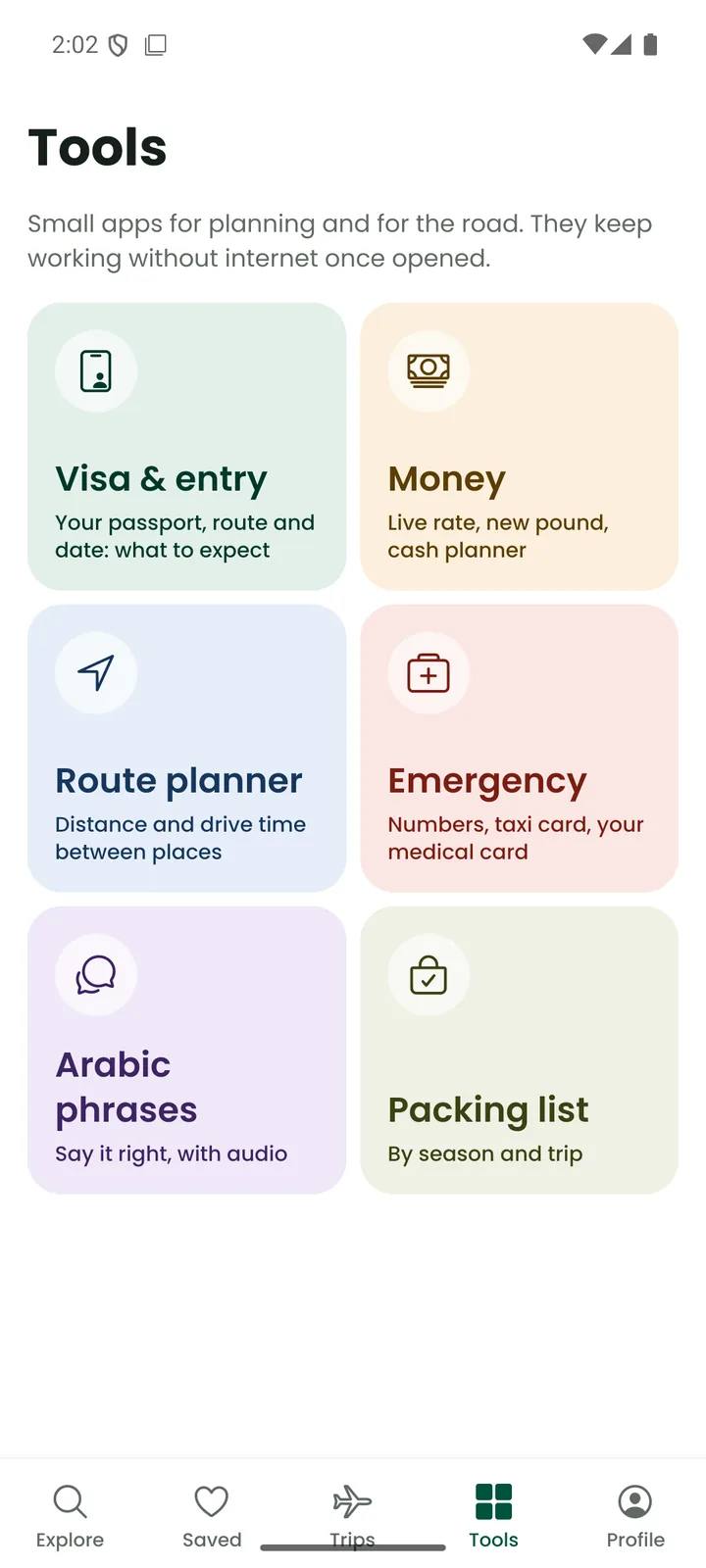
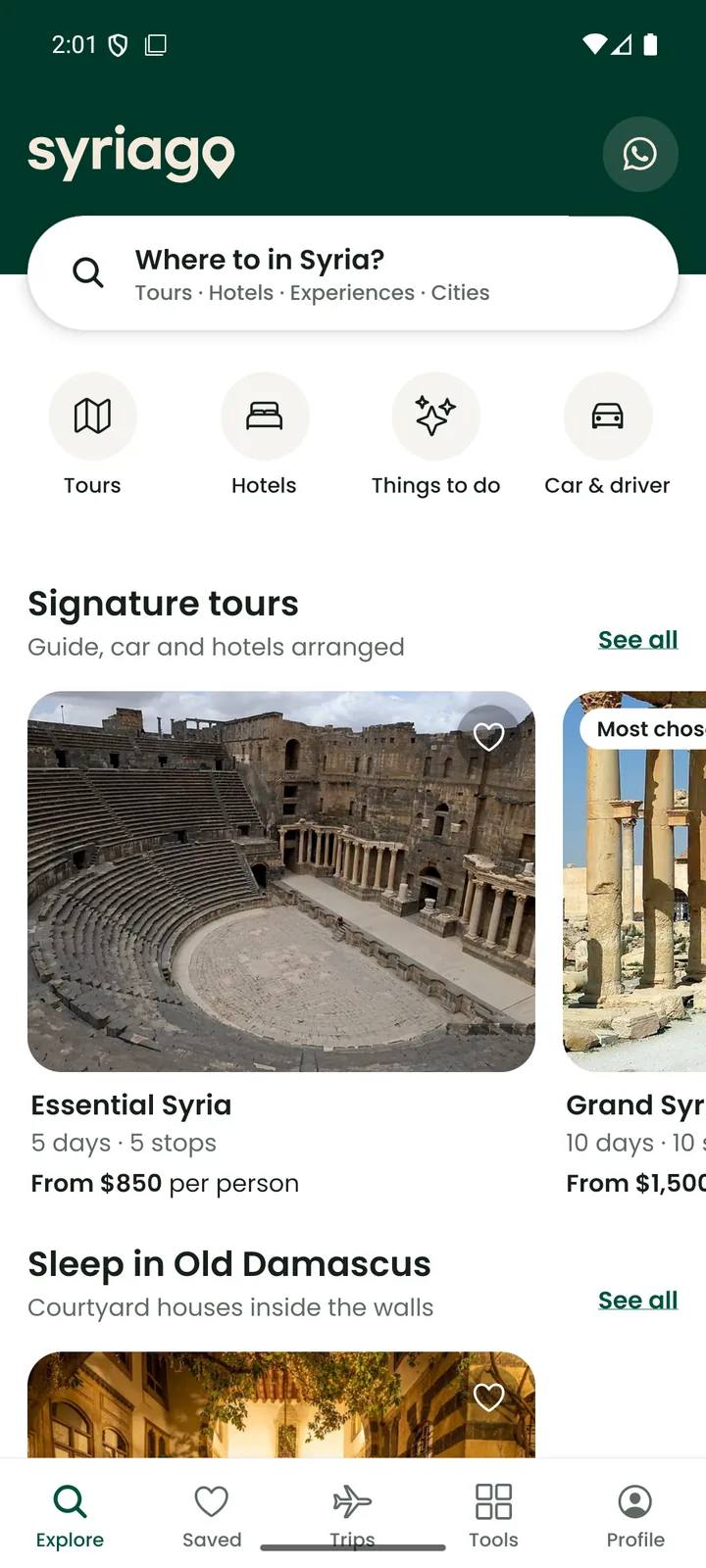
Tours, hotels and experiences, your visa and entry plan, money, Arabic phrases and an emergency card, in one Android app made for the trip itself.
Version 1.0.2Oct 23, 202677.1 MB
Free. The file comes straight from syriagoapp.com. iPhone: coming later.
What's inside
What the website does for booking, plus small tools that keep working without internet once opened.
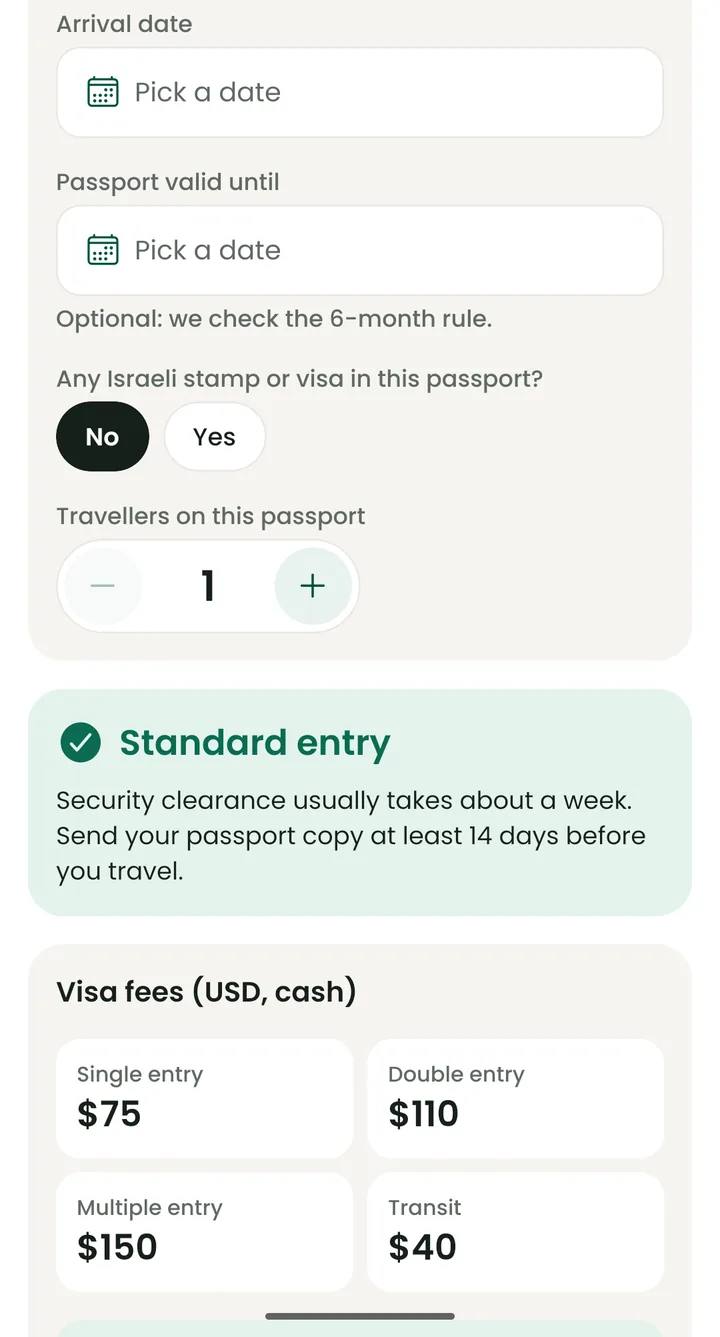
Your passport, route and arrival date give you what to expect: fees, timing and a checklist.
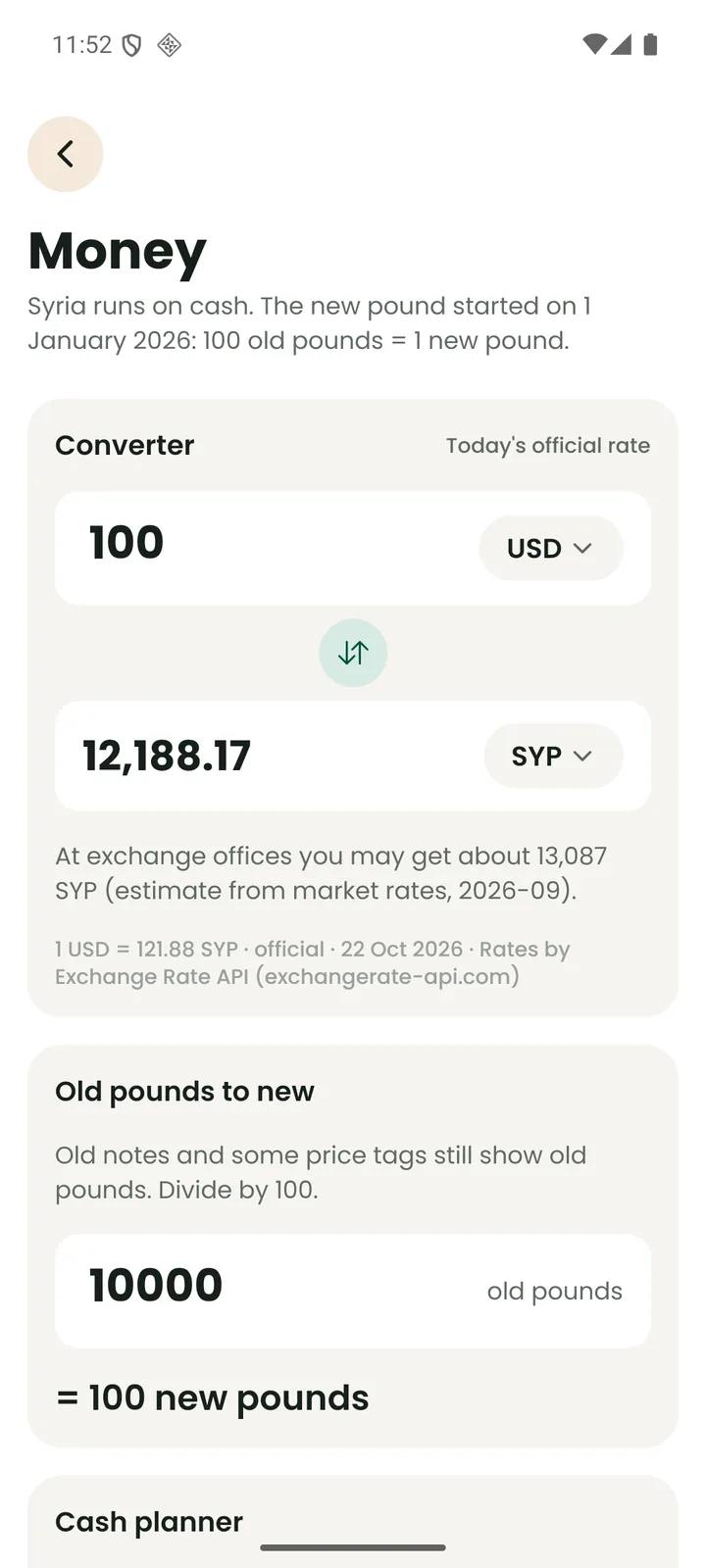
Today's official rate, the new pound explained, and a cash planner for your trip.
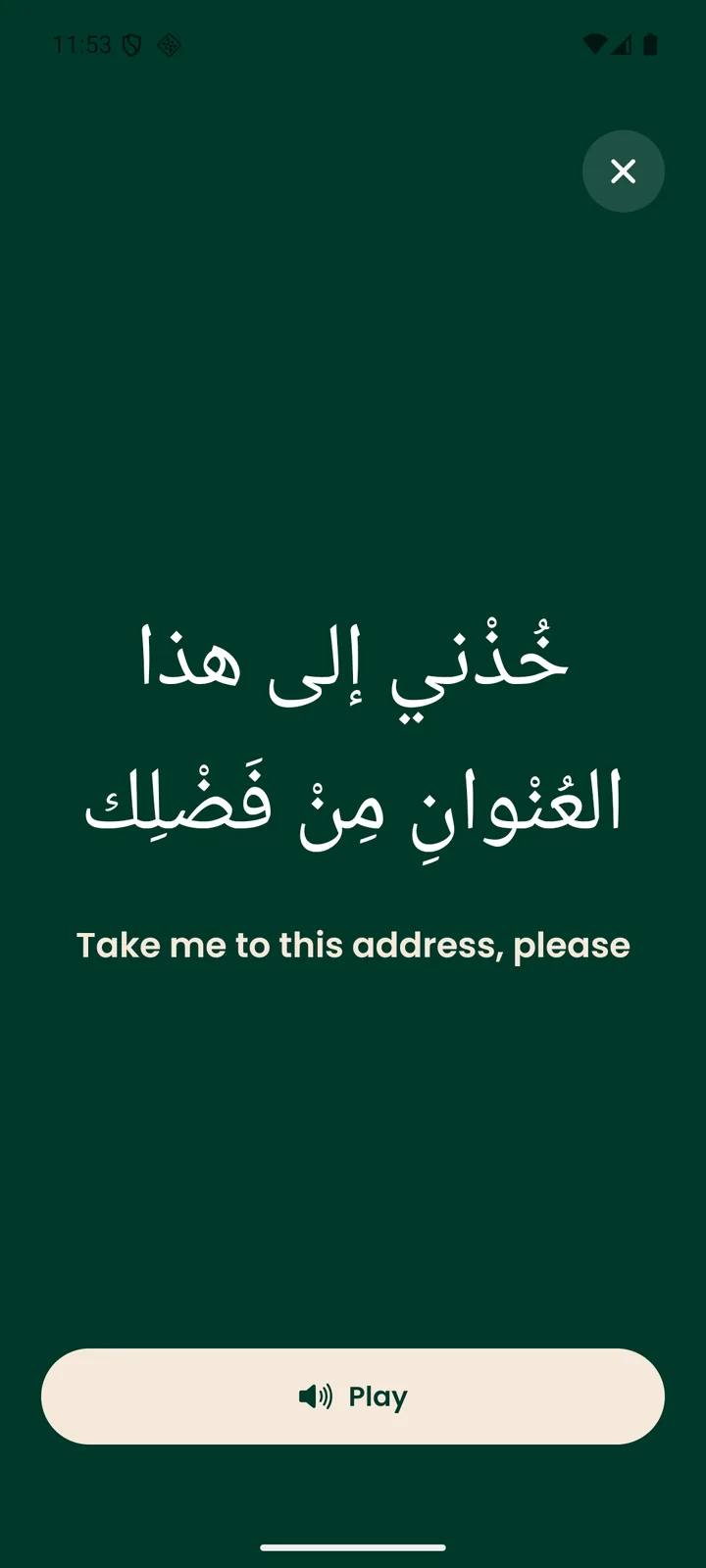
Tap a phrase to hear it, or show it full-screen to a driver. The audio is on your phone, so it works offline.
Tours, hotels, experiences and cities with photos and maps. Tap the heart to save what you like.
Send a request for a tour, a hotel, an experience or a car from your phone. Our team confirms it with you.
Numbers you can call with one tap, a taxi card in Arabic and your medical card.
By season and type of trip, with the documents from your entry plan.
Install in three steps
The app is not on Google Play yet, so you install it straight from this site. It takes about a minute.
Tap Download for Android. Your phone saves syriago-1.0.2.apk from syriagoapp.com.
Open the file. If Android asks, tap Settings, turn on "Allow from this source" for your browser, then go back.
Tap Install. If Google Play Protect says "App blocked to protect your device", do not tap Got it, because that cancels the install: tap More details, then Install anyway. Then tap Open. You can turn the browser setting off again afterwards.
Android warns about every app that does not come from Google Play, and Google Play Protect also blocks apps from developers it has not seen before. SyriaGO is new and not on Google Play yet, so both warnings are expected. If you saw "App not installed", download the file again and choose More details, then Install anyway.
Download SyriaGO only from syriagoapp.com. If you see the app on any other website, do not install it.
What's new in 1.0.2
Google sign-in now brings you straight back into the app. The app asks for fewer permissions (no location, camera or photos), and you can delete your account from Profile.
Oct 23, 2026
The iPhone app comes later. Until then this website does everything on your phone: browse, plan and send your requests.